Keycloak web interface
Once the docker compose up is completed, the keycloak server is available under `http://localhost:8080'.
Open an web browser (that support showing unsecure web pages) and login with admin, admin.

By default the master realm is shown, switch to the c2sim realm context.
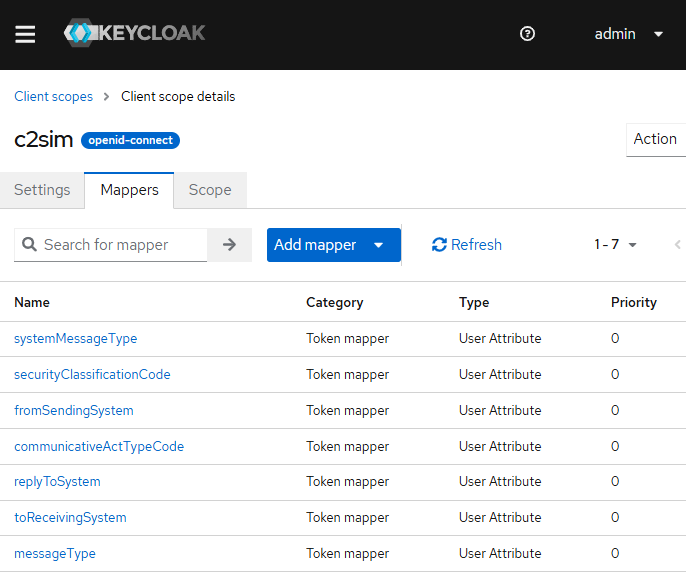
In the client scopes section, the c2sim scope should be added, with all c2sim claims.
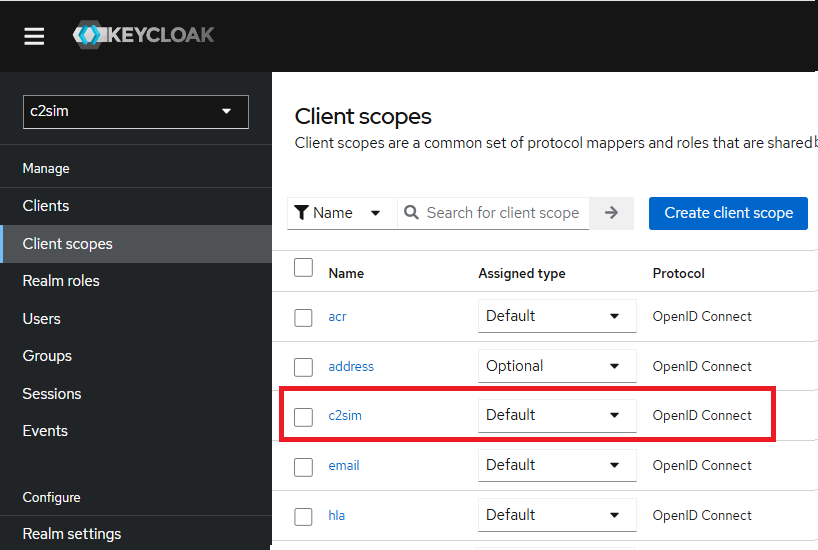
The c2sim scope is added to the client scopes:
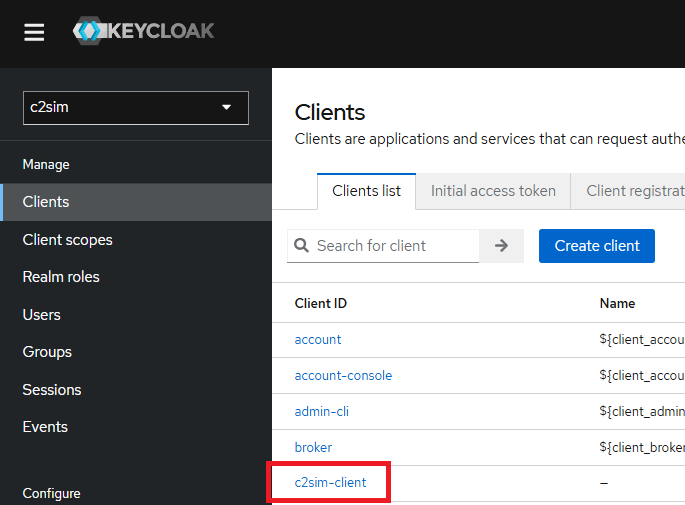
In the clients section, all clients are visible.